# Microsoft 365
# Add Virtual Token to Microsoft 365
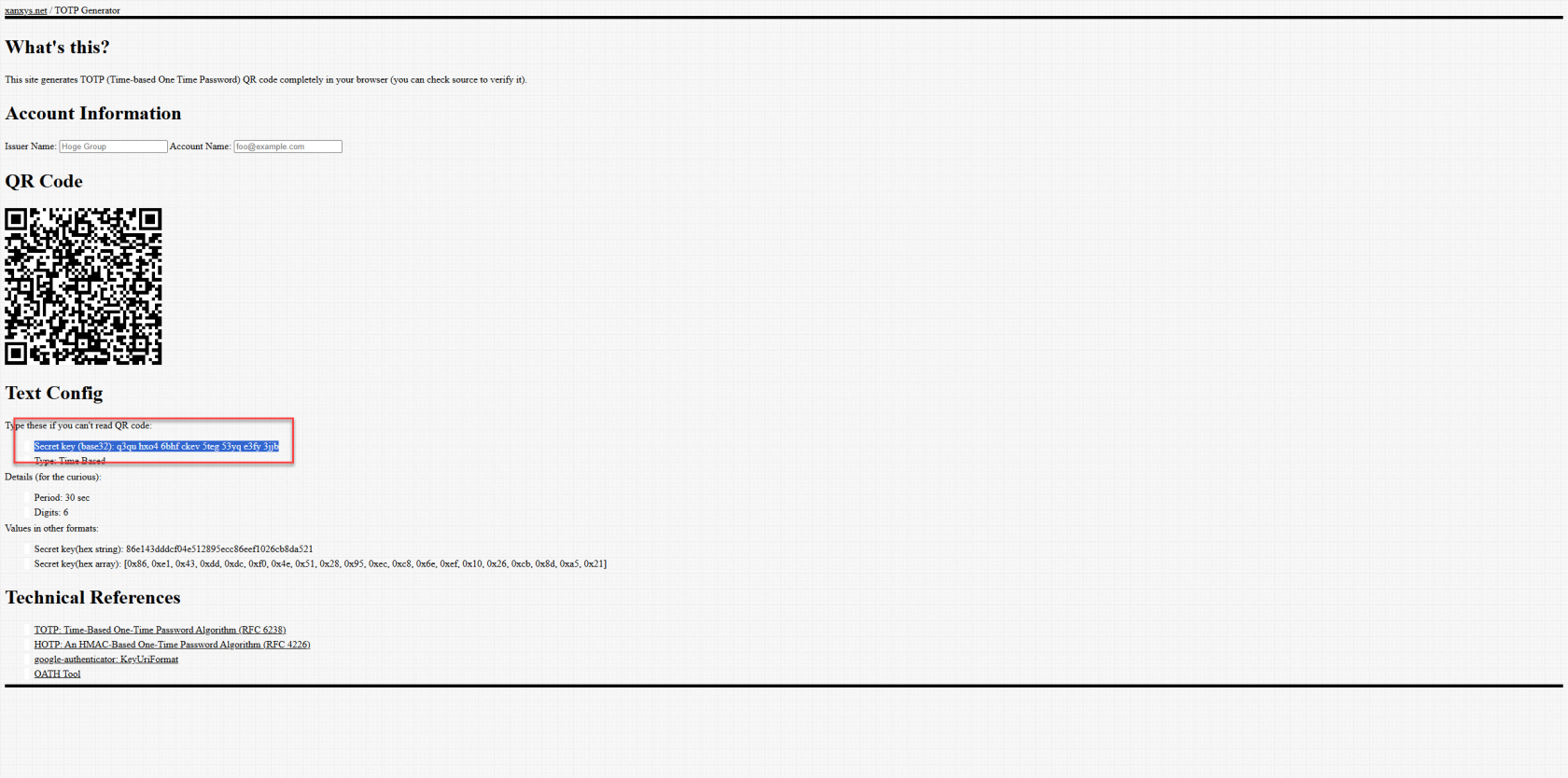
Using [https://www.xanxys.net/totp/](https://www.xanxys.net/totp/) this website you can generate TOTP codes. These can be seeded into Microsoft 365. Can be added to [Duo](https://docs.coltscomputer.services/books/duo-mobile/page/add-virtual-hardware-token-to-duo) also using the below article to achieve 1 TOTP code that works for both platforms.
Secret key here is seperated, it needs to be in one string like this
- Secret key (base32): q3qu hxo4 6bhf ckev 5teg 53yq e3fy 3jjb
- Secret key (base32): q3quhxo46bhfckev5teg53yqe3fy3jjb - Proper formatserial number can just be 001, Make and Model can just be "Soft"
[](https://docs.coltscomputer.services/uploads/images/gallery/2026-08/d4npNEAcOa3PIyRx-image.png)