Farming Simulator
- Change Modhub mods to custom mods
- Editing Planters Fill Fruit Types
- Enable Dev Console
- Mods Location Farming Simulator 22
- Precision Farming
Change Modhub mods to custom mods
Changing modhub mods is not possible unless you make ModHub think it is a different mod entirely. The following will describe how to do this.
- Find the .zip file for the mod in the Mods Location Farming Simulator 22
- Extract the zip file
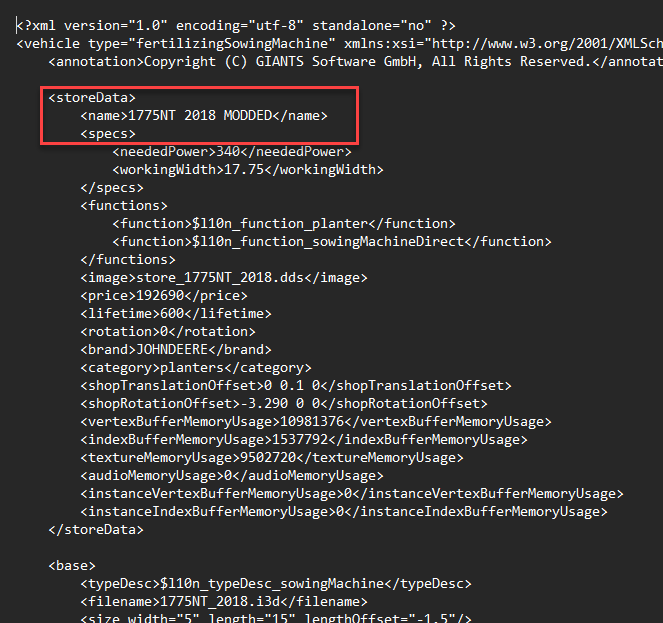
- Open the main .xml file for the mod
- Change the name of the mod
-

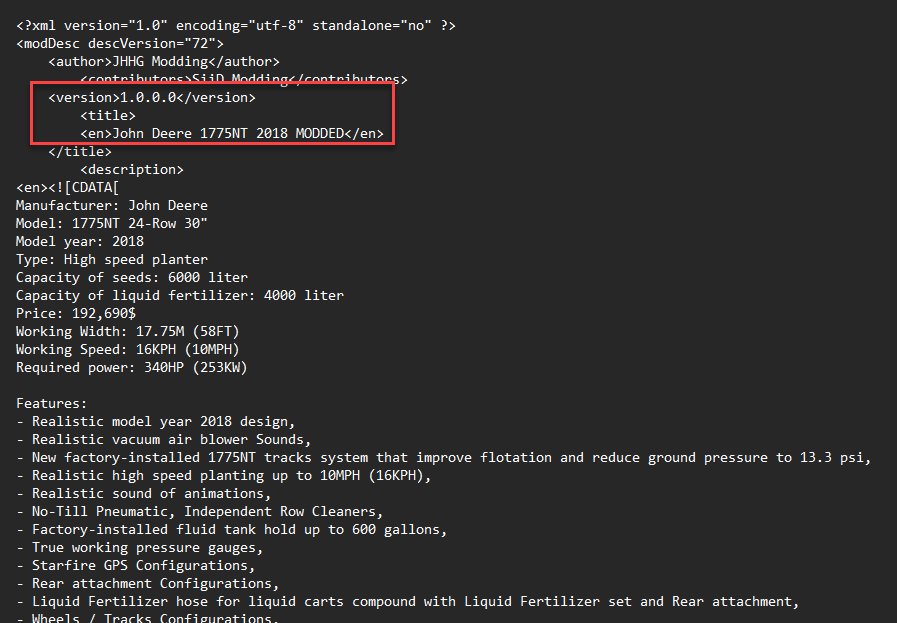
- Open the modDesc.xml file
- Change the Title of the mod under the <version> tag
-

Editing Planters Fill Fruit Types
If you want to be able to change the fruit types that a planter can be filled with, do the following.
- Find the mod in the mods location or the game asset files
- copy the files to desktop
- extract the zip archive
- open the main .xml file
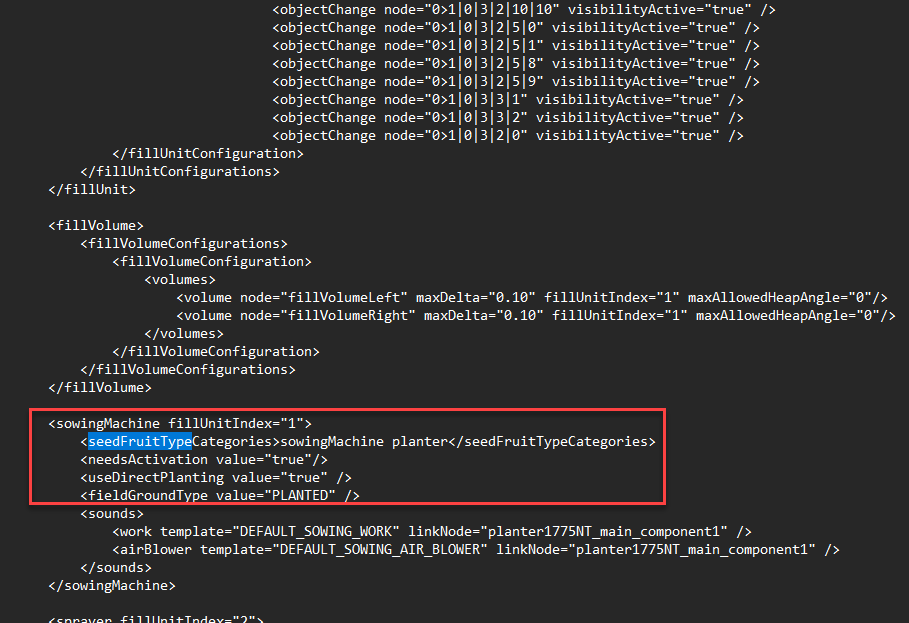
- use ctrl+f to find the <seedFruitTypeCategories> tag
- Change the entry between the tags to either
sowingMachineorplanter - Can also be set to both to allow all fruit type like so
-

- Edit the other necessary information so the mod is not overwritten with an update from the ModHub as described here.
Enable Dev Console
Open game folder
open the game.xml file
set the dev console to true at the very bottom of the page
Mods Location Farming Simulator 22
This is the full file path for the mods in FS 22
C:\Users\colt.morgan.COLTHOME\OneDrive\Documents\My Games\FarmingSimulator2022\mods
Precision Farming
Precision Farming
Isaria Scout Change Sample Radius
To change the sample size for the isaria scout
open the .xml file in a text editor
change the sampling radius